
Changing your password
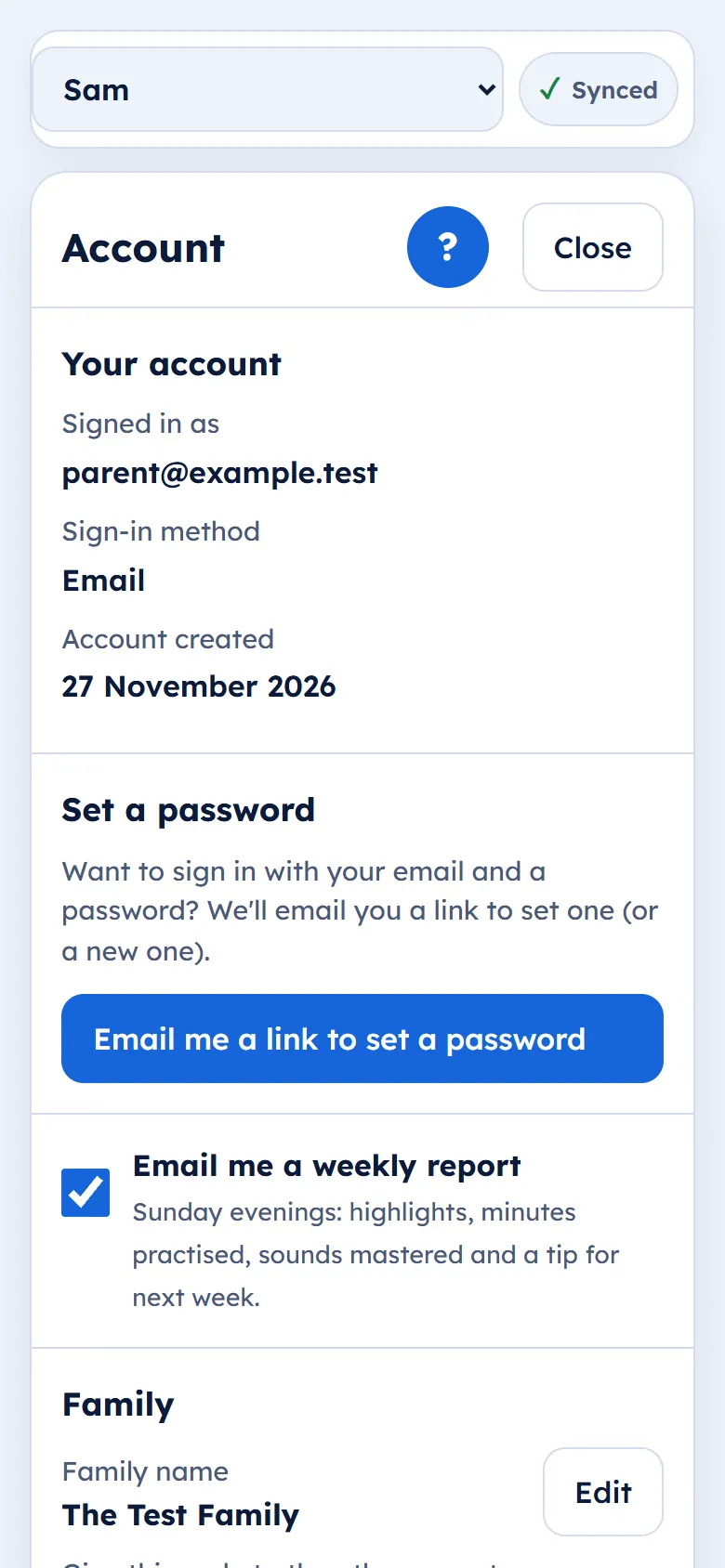
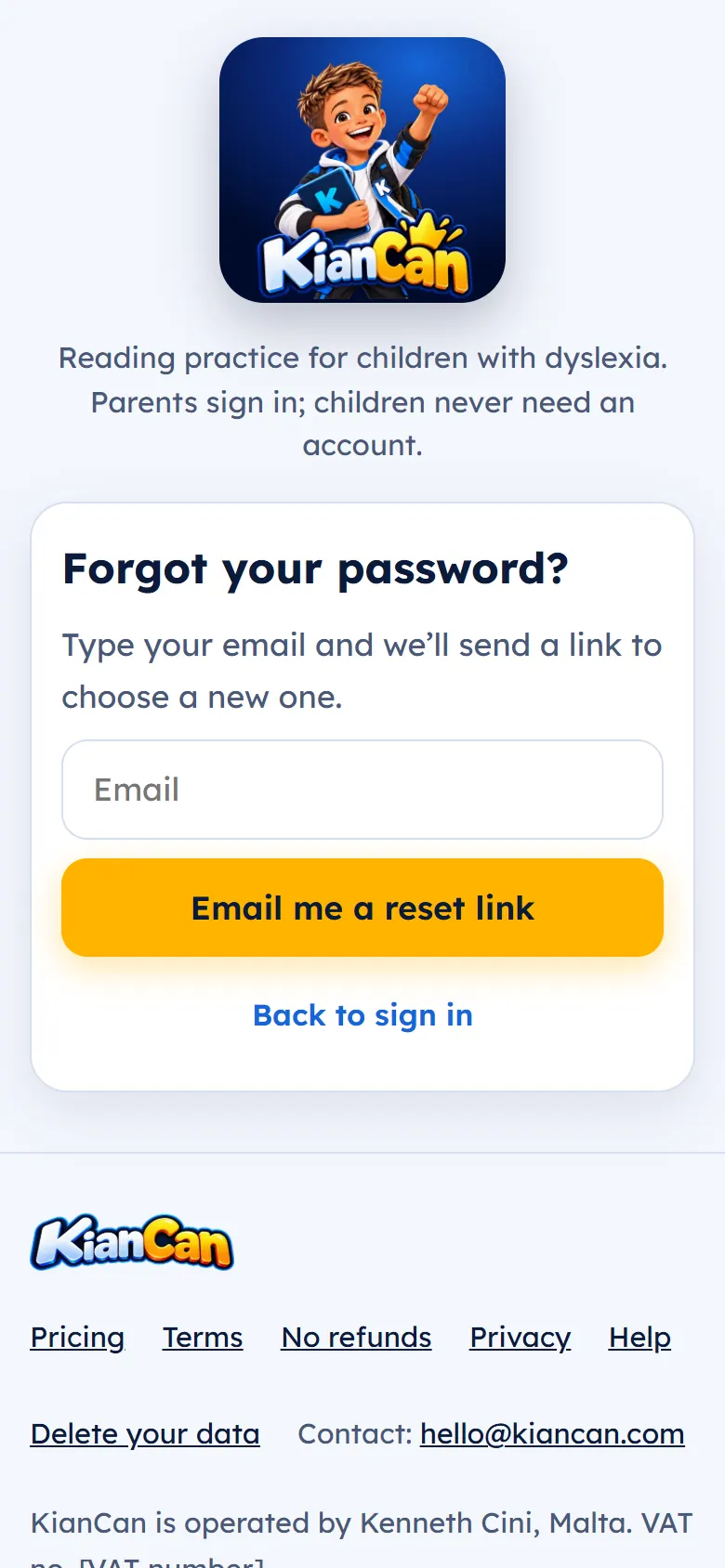
Change it in Account, or reset it from the sign-in screen.
Open Account, then Change password. Enter your current password and the new one.
Forgot it? On the sign-in screen tap Forgot password, and we email you a link to choose a new one.
Still stuck? Email hello@kiancan.com.