
Install KianCan on Android
Add KianCan to your home screen from Chrome.
Open kiancan.com/app in Chrome and sign in.

Tap Install when KianCan offers it at the top, or open Chrome's menu (⋮) and choose Install app or Add to Home screen.
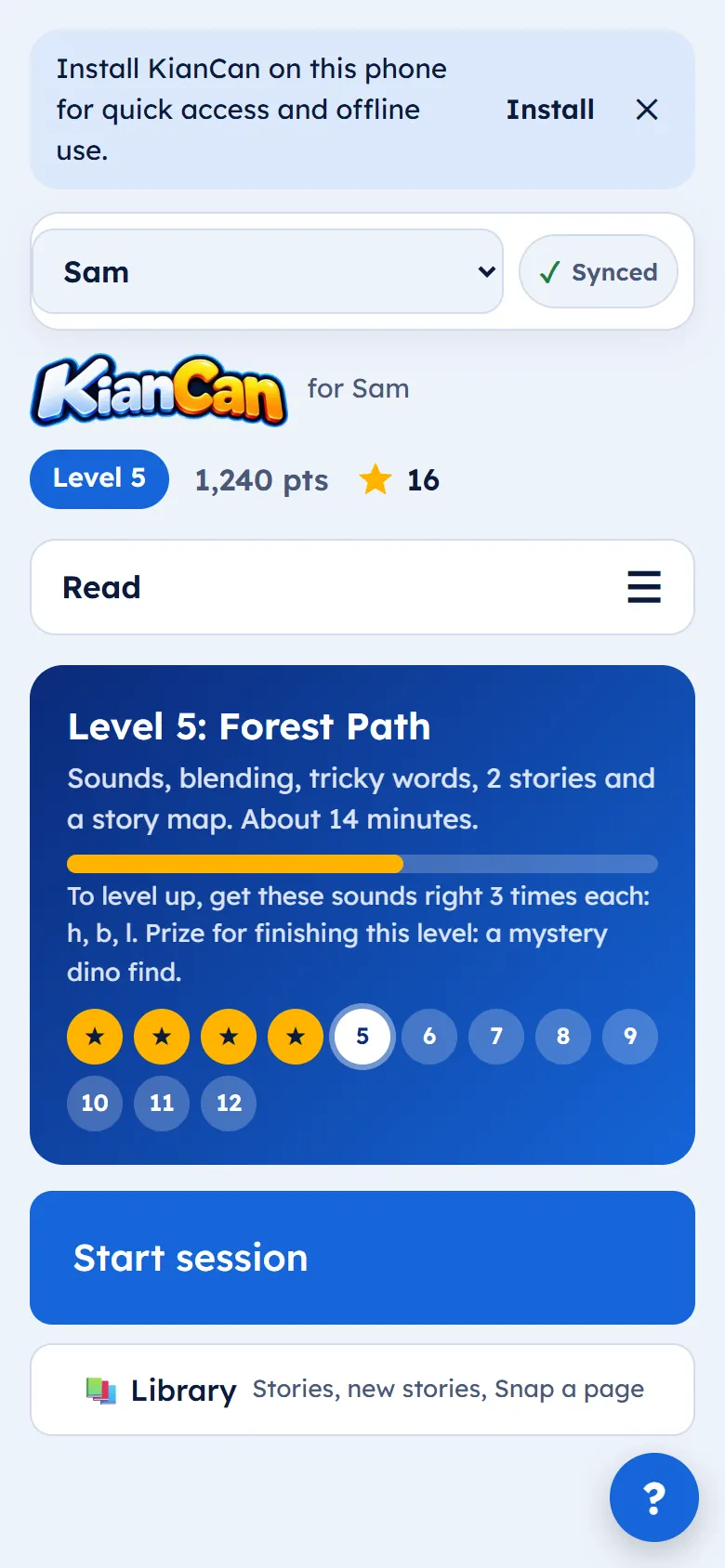
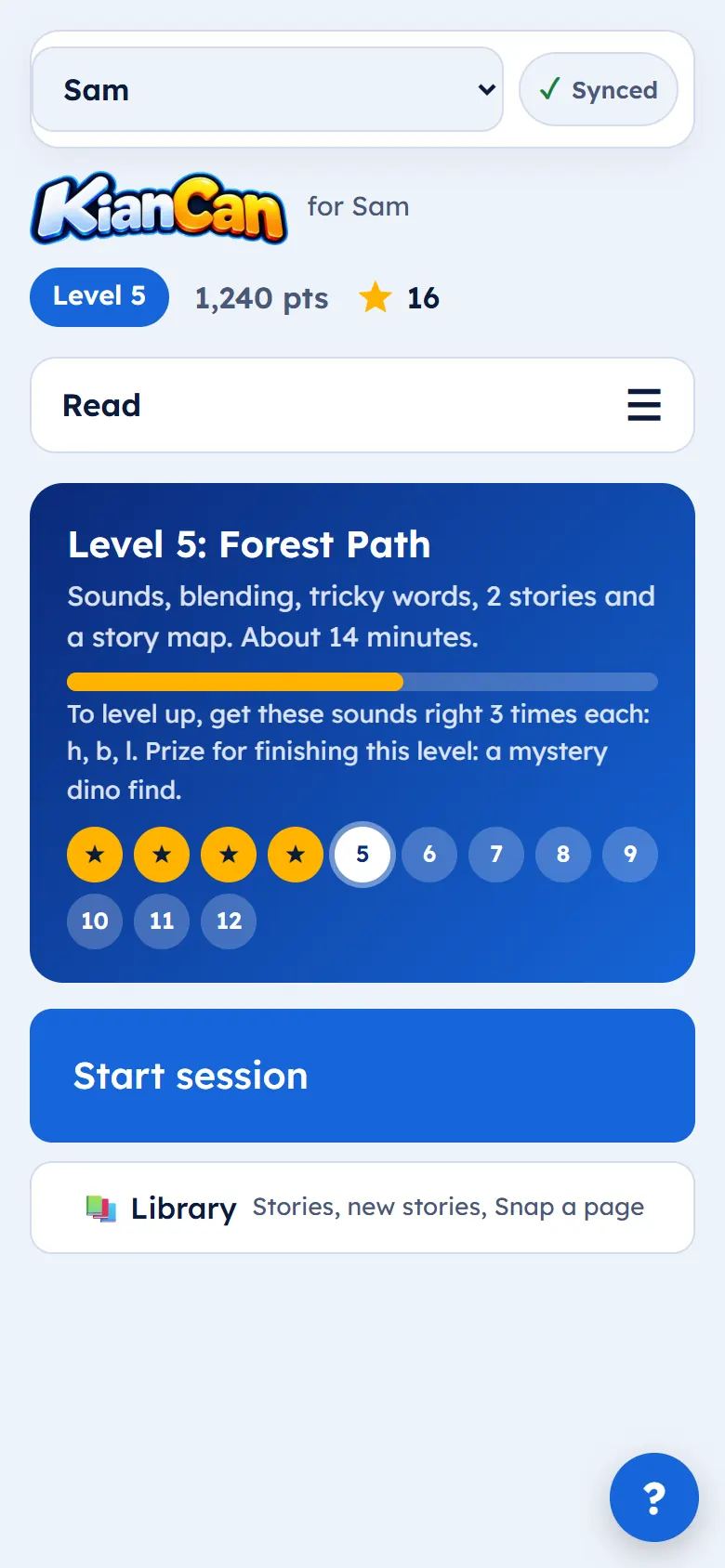
Open KianCan from the new icon. It opens full screen, and daily sessions work without internet.
Still stuck? Email hello@kiancan.com.
All guides · Next: Your first session