
No sound on iPhone (silent switch)
If KianCan is silent on an iPhone, the silent switch is the usual reason.
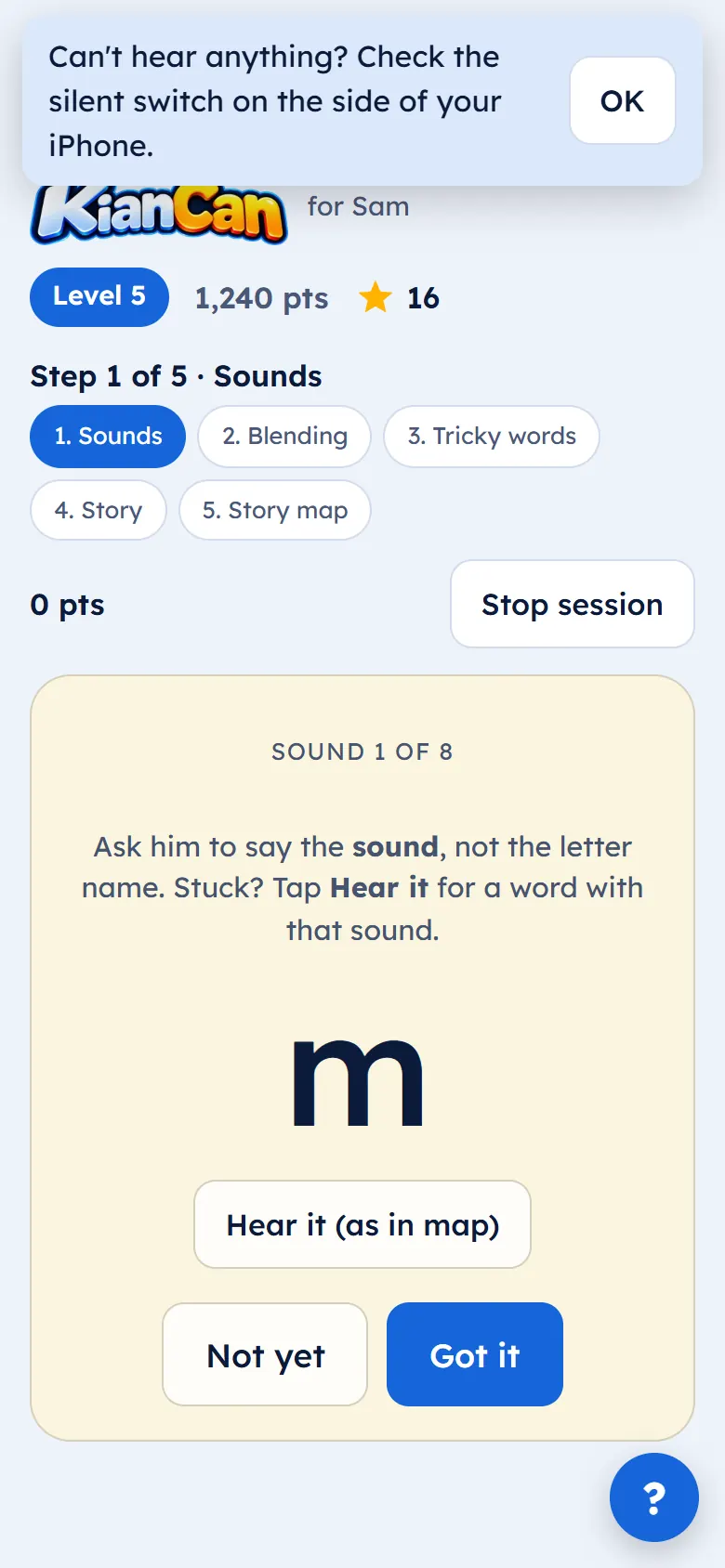
Check the silent switch on the side of the iPhone: if you see orange, the phone is on silent. Flip it back. KianCan shows this tip the first time it plays a sound.
Turn the volume up with the buttons on the side while KianCan is open.
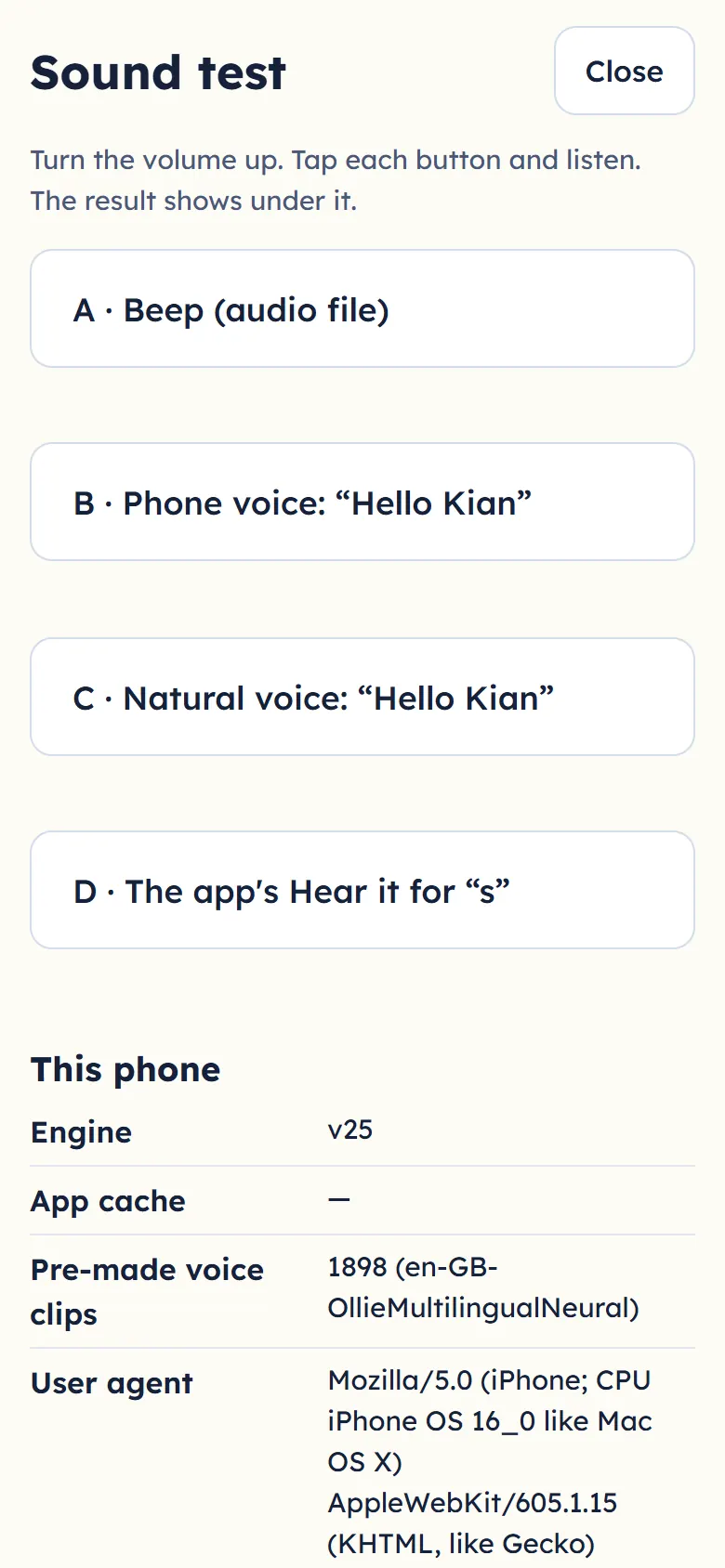
Still nothing? Open Account → Sound test and tap each button. Send us a screenshot at hello@kiancan.com.
Still stuck? Email hello@kiancan.com.