
Adding a child
Up to 4 children per family, each with their own level and progress.
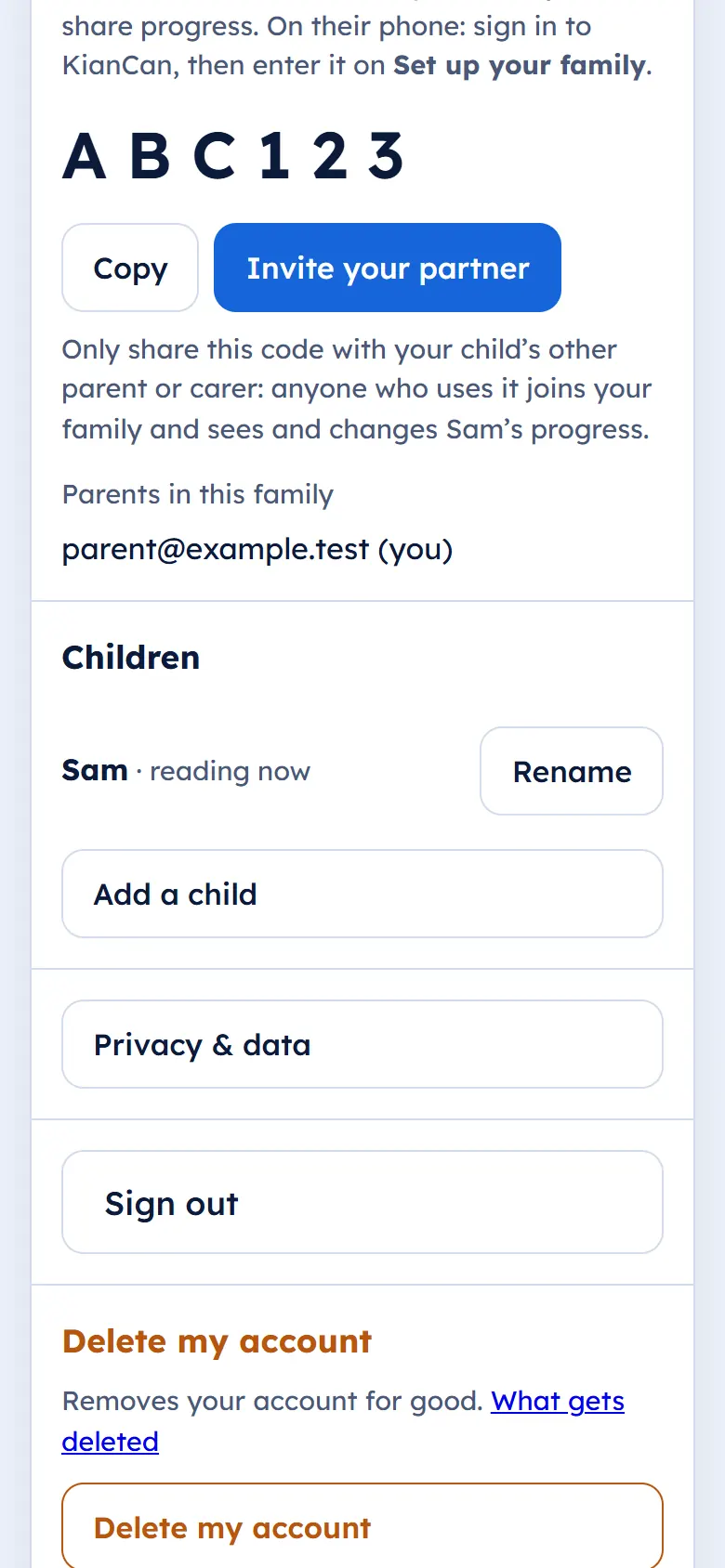
Open Account. Under Children, tap Add a child.
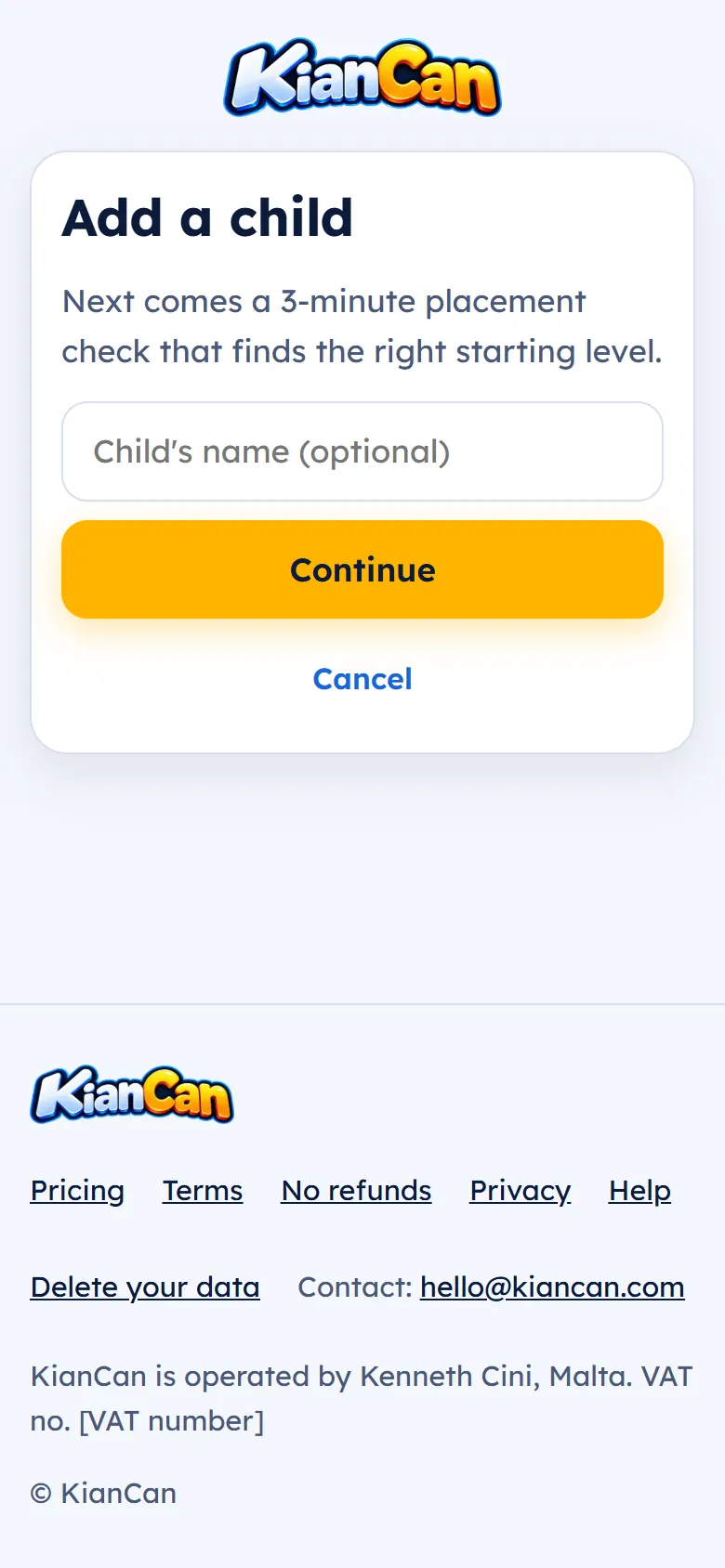
Enter their first name and answer the short questions. A 3-minute check finds their starting level.
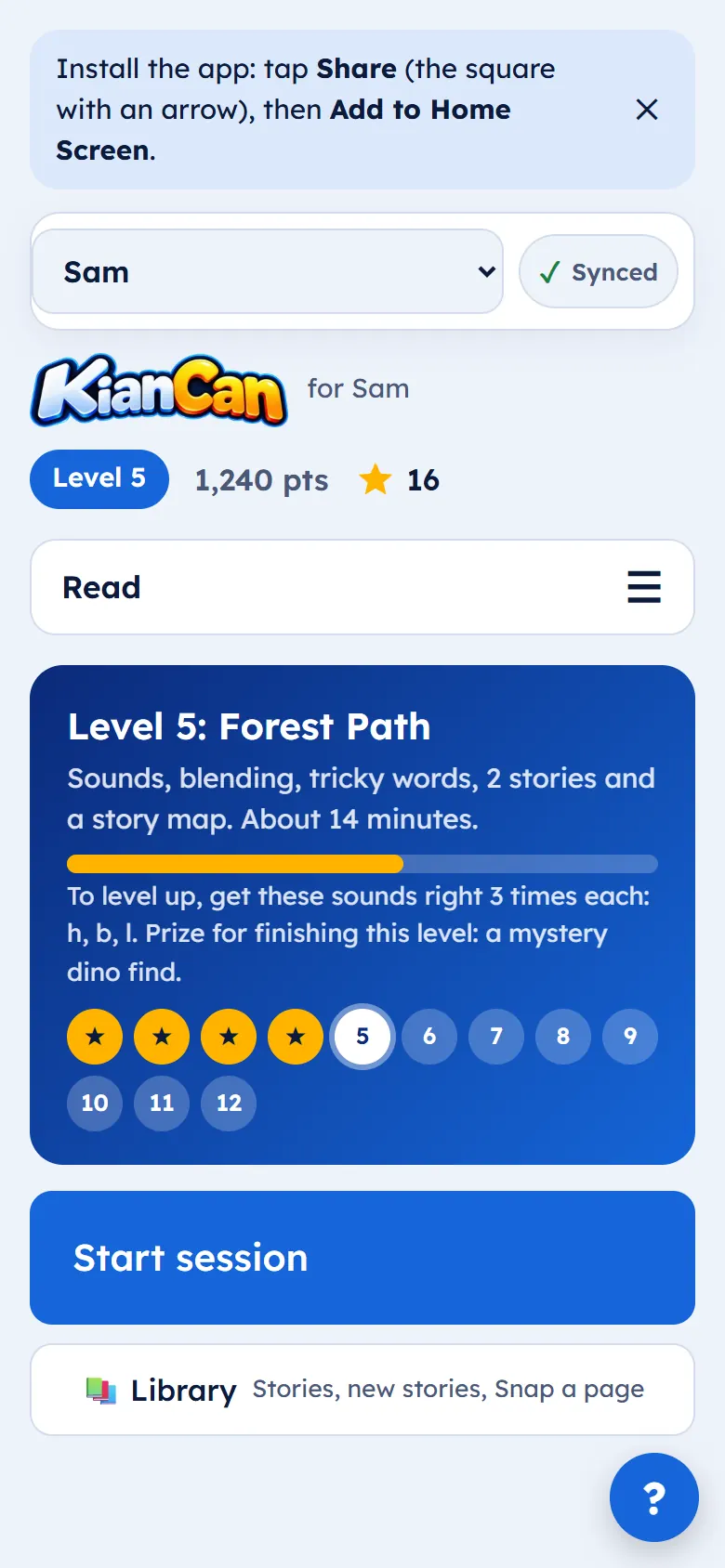
Switch between children from the child's name at the top of the app.
Still stuck? Email hello@kiancan.com.
All guides · Next: Changing your password