
Install KianCan on iPhone
Put KianCan on your home screen so it opens full screen and works offline.
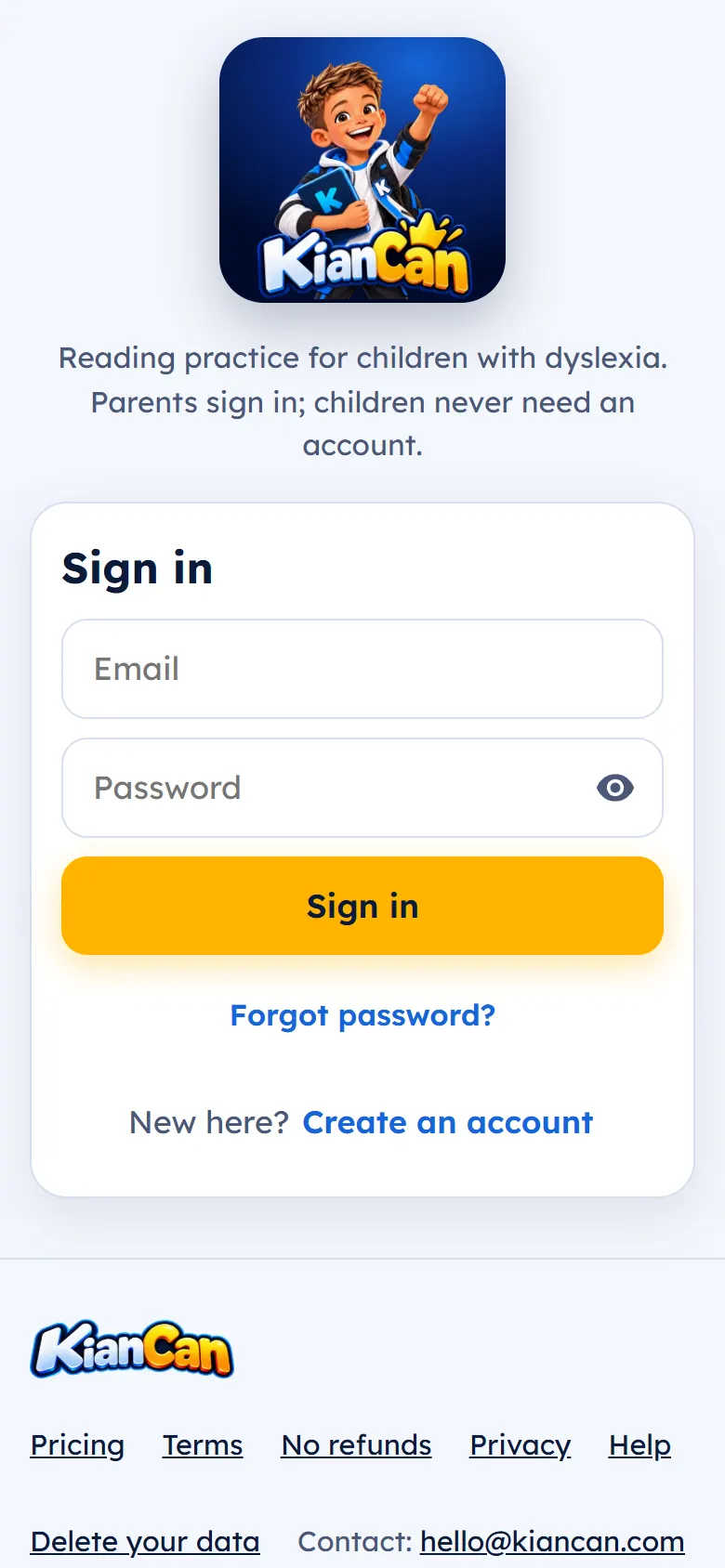
Open kiancan.com/app in Safari and sign in.
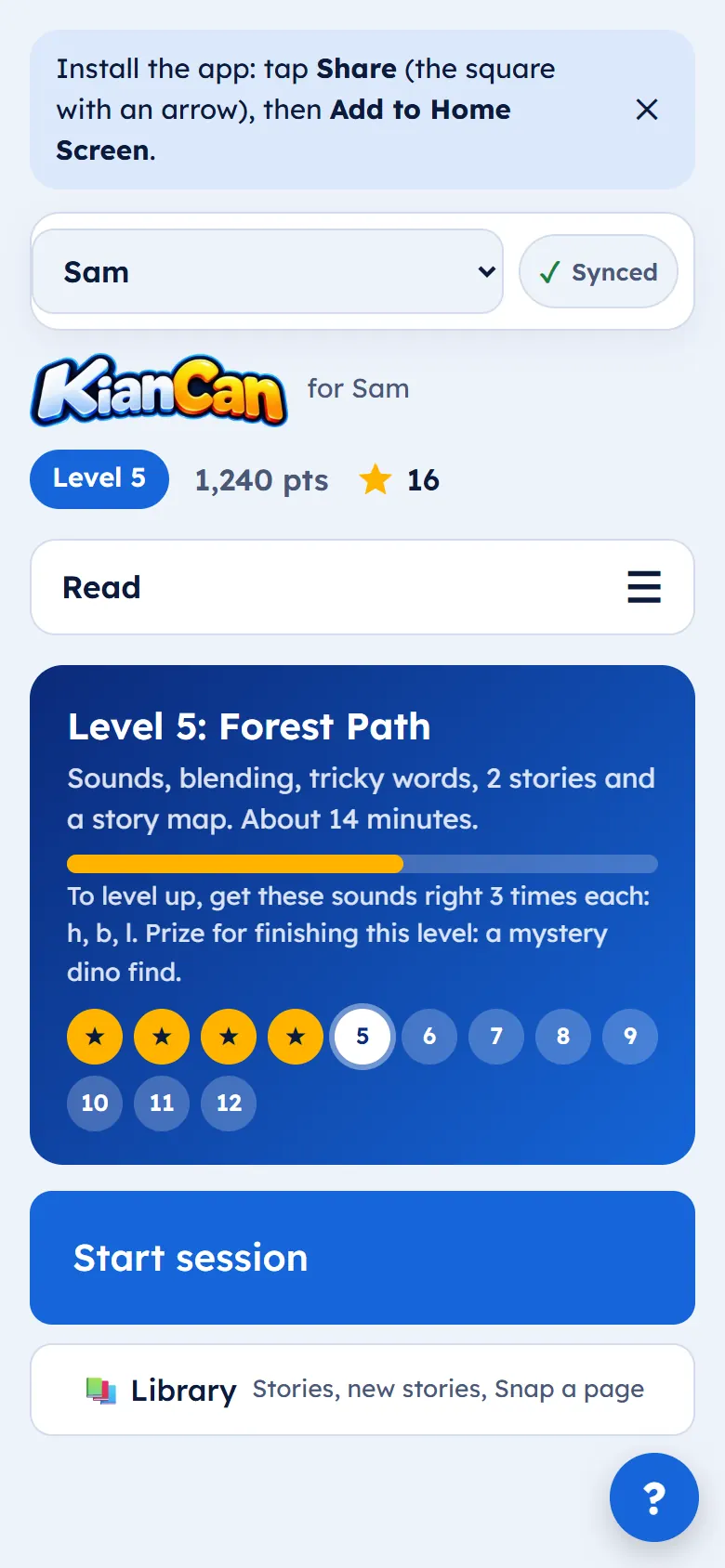
Tap Share (the square with an arrow), then Add to Home Screen, then Add. KianCan shows this tip at the top of the app.
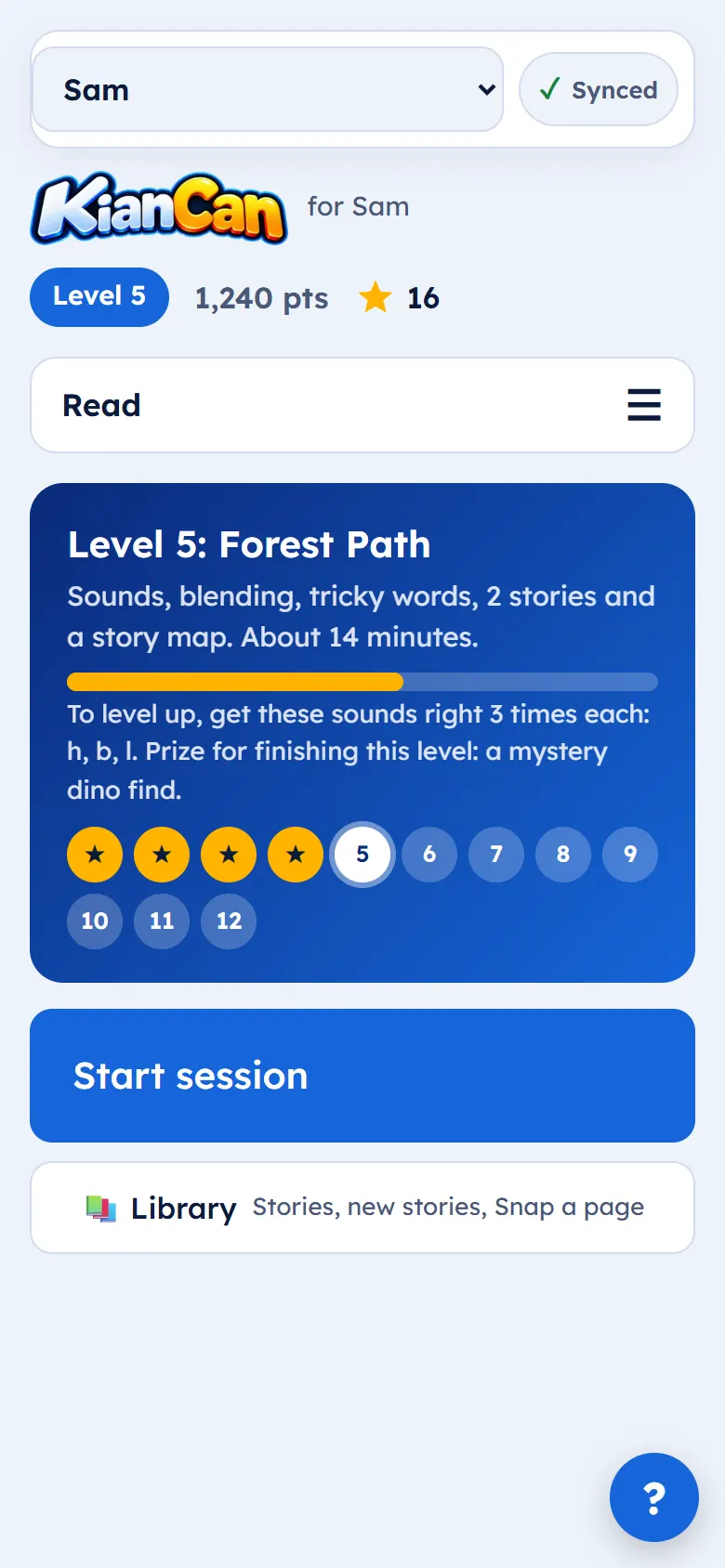
Open KianCan from the new icon on your home screen. It opens full screen, and daily sessions work without internet.
Still stuck? Email hello@kiancan.com.
All guides · Next: Install KianCan on Android