
Adding the other parent (family code)
Share your family code so both parents see the same progress on their own phones.
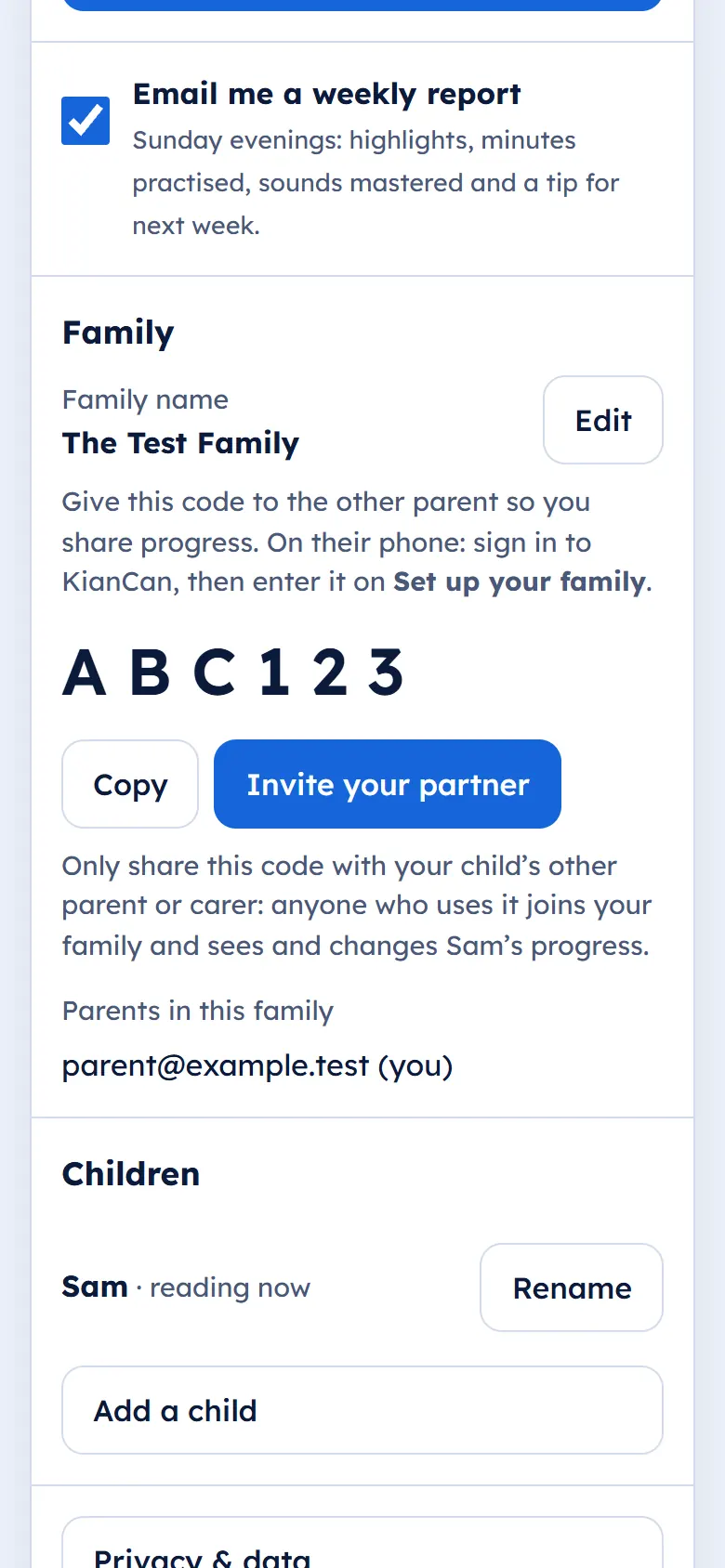
Open Account. Under Family you'll find your family code.
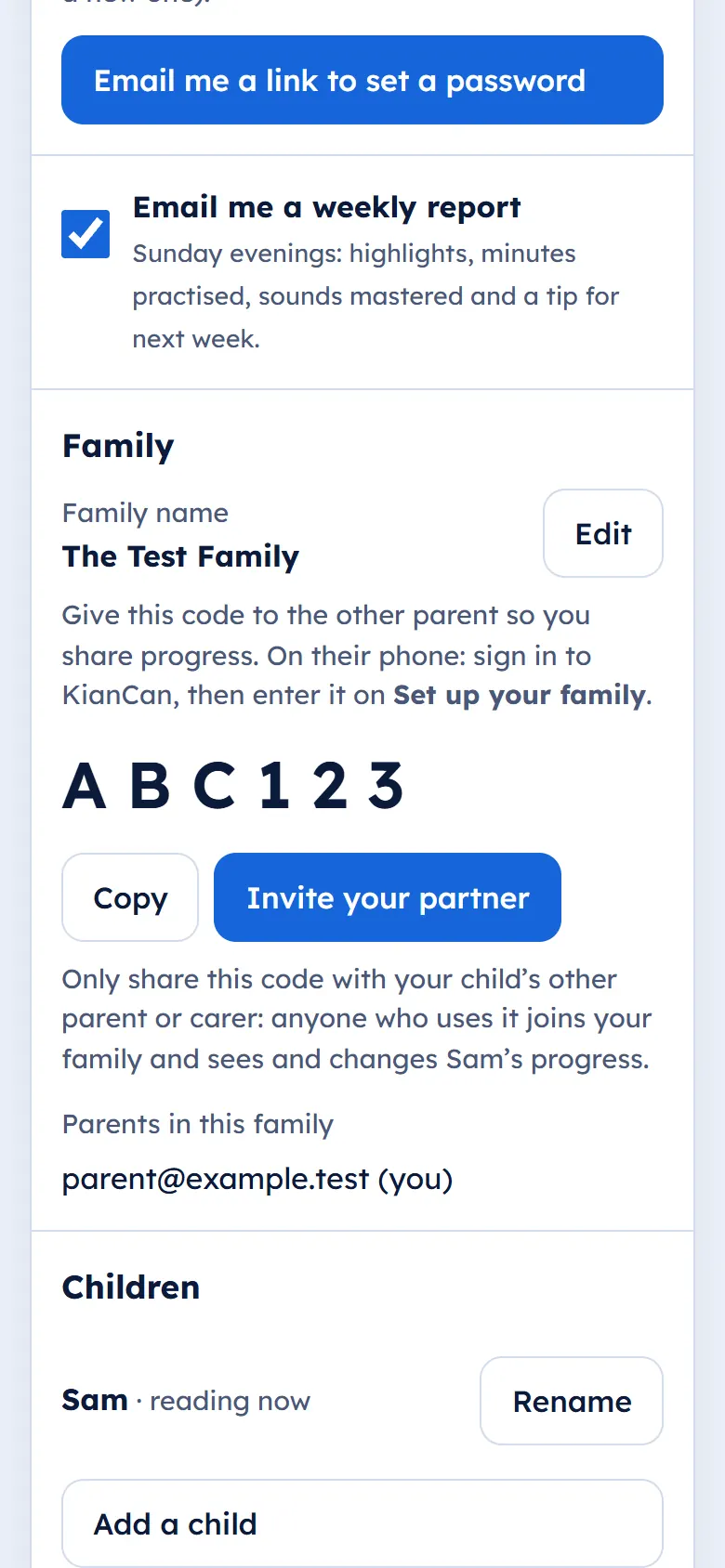
Tap Invite your partner to send a link, or Copy to share the code yourself. Only share it with your child's other parent or carer.
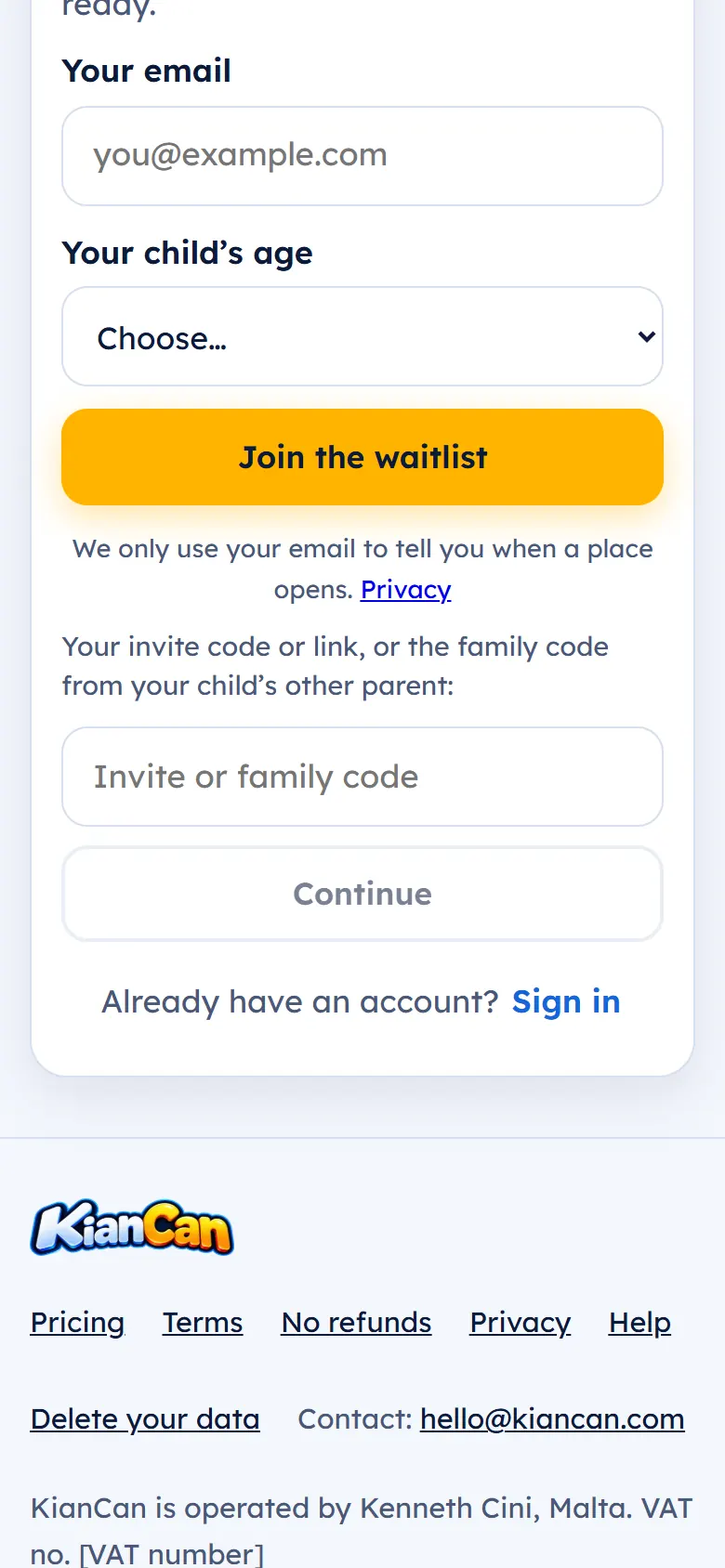
On their phone, they open kiancan.com/app, choose Have an invite or a family code?, and sign in. Progress then syncs between both phones.
Still stuck? Email hello@kiancan.com.
All guides · Next: Adding a child