
Progress report and teacher PDF
See minutes, streaks, sounds mastered and reading speed. Share a one-page PDF with school.
Open Progress, then Progress report.
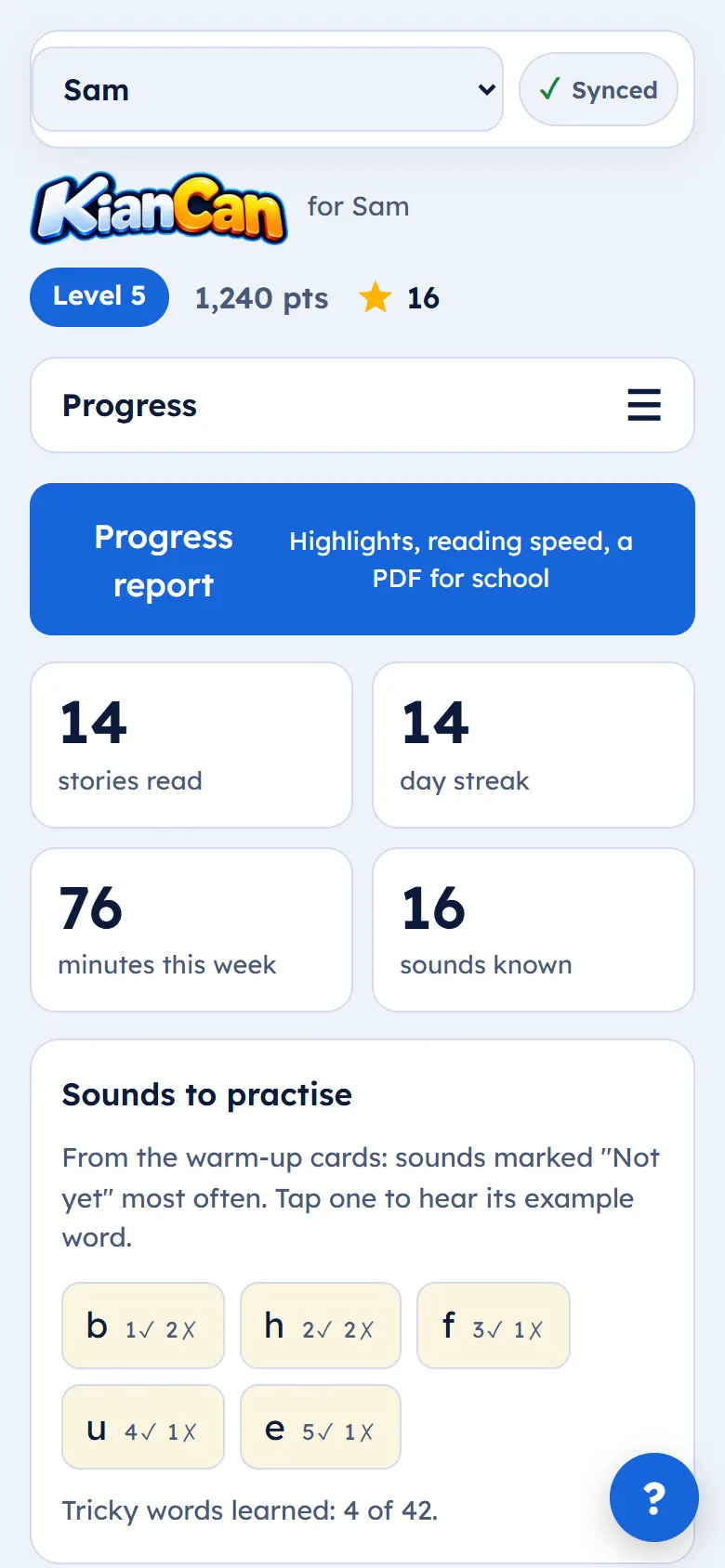
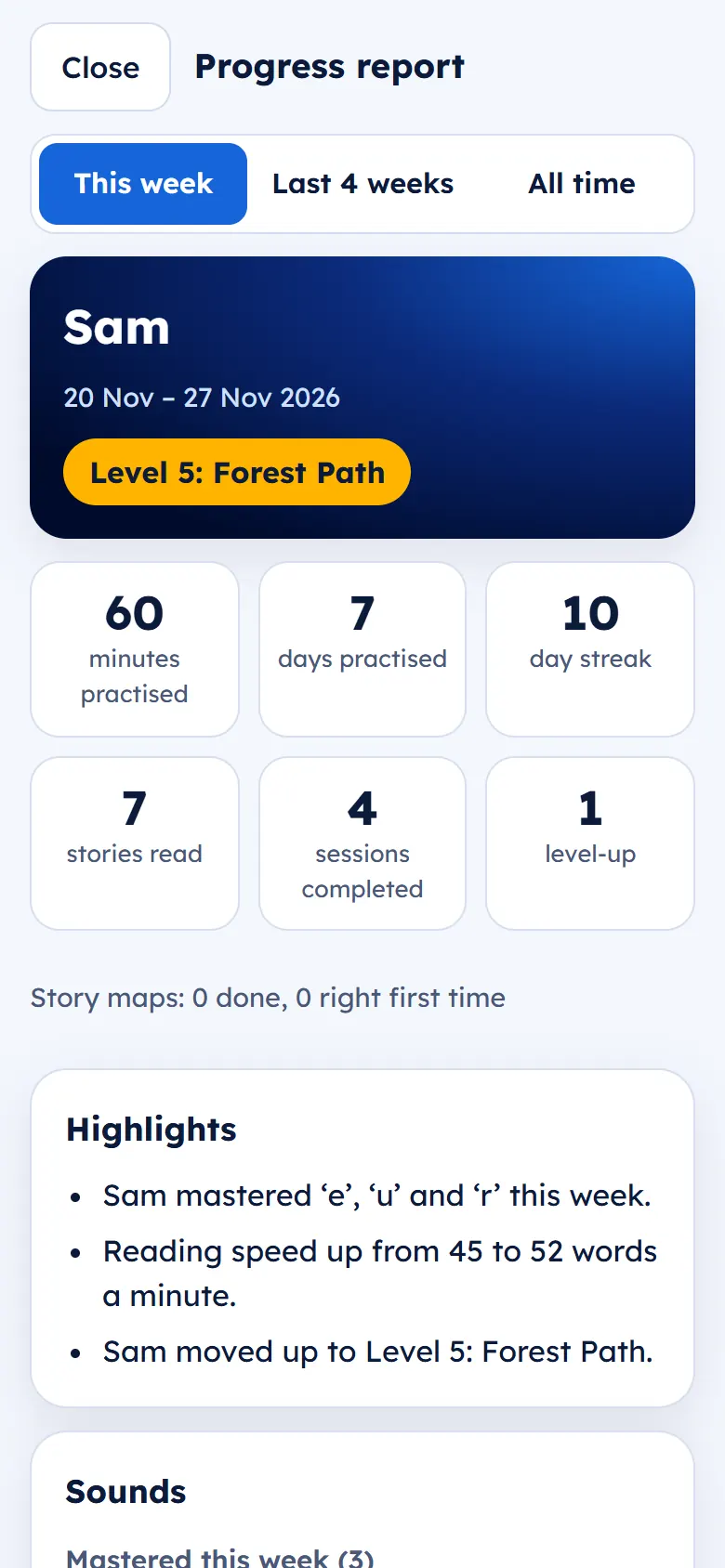
Choose This week, Last 4 weeks or All time: minutes practised, the streak, sounds mastered, reading checks and a tip for next week.
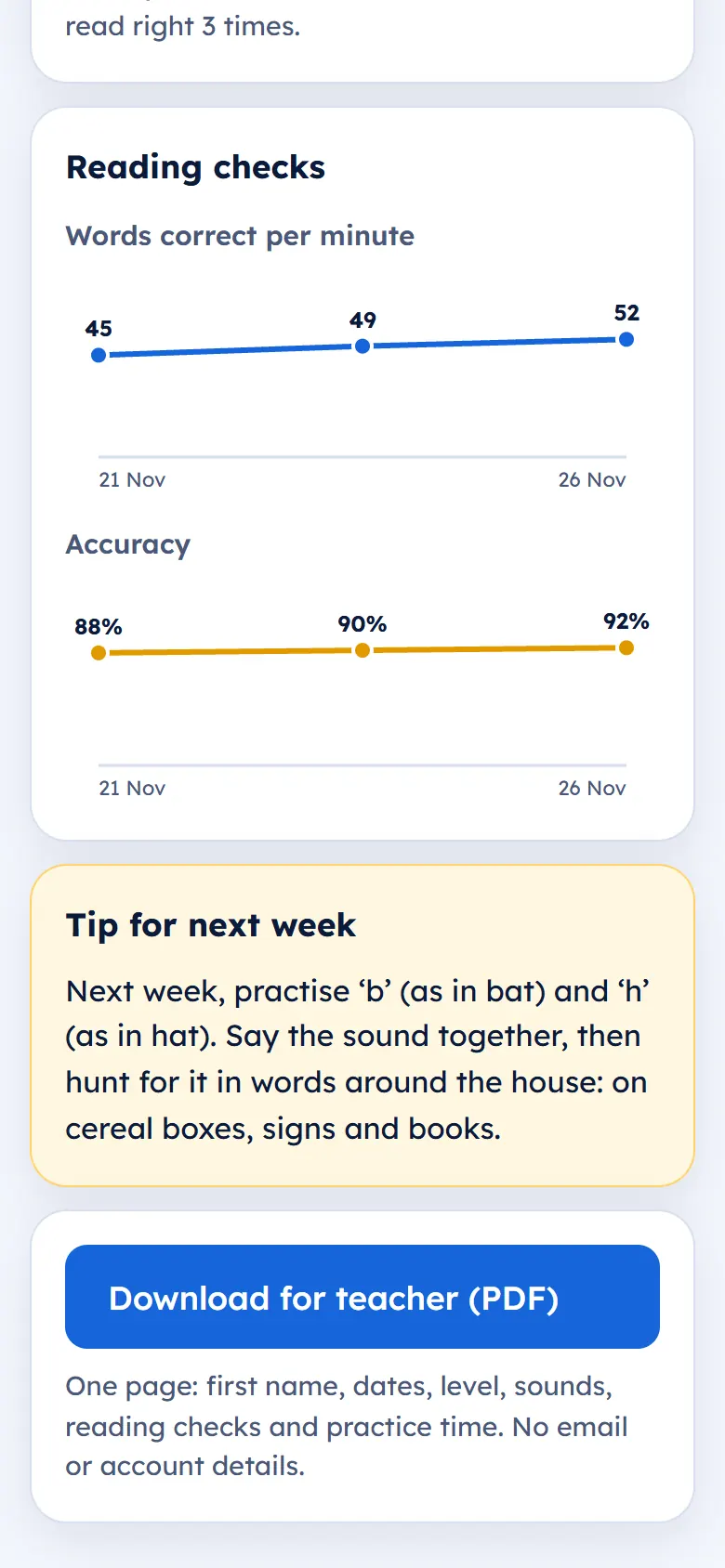
Tap Download for teacher for a one-page PDF with your child's first name, level, sounds and reading checks. No email address or account details.
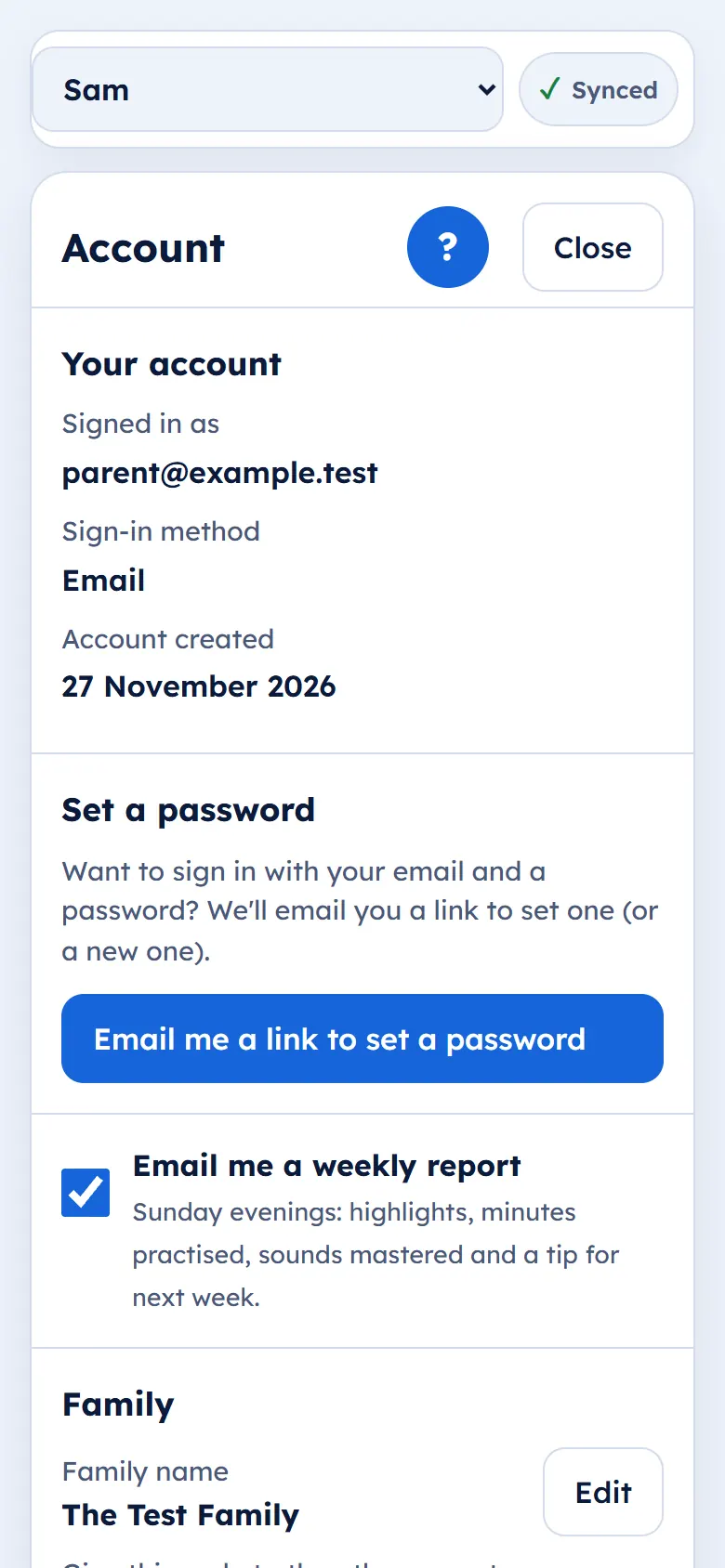
Both parents get a short summary every Sunday evening. Switch it off in Account → Email me a weekly report.
Still stuck? Email hello@kiancan.com.