
Reading check (microphone)
Your child reads a story aloud and the app counts words read right and words a minute.
In the Library, open a story and tap Check my reading.
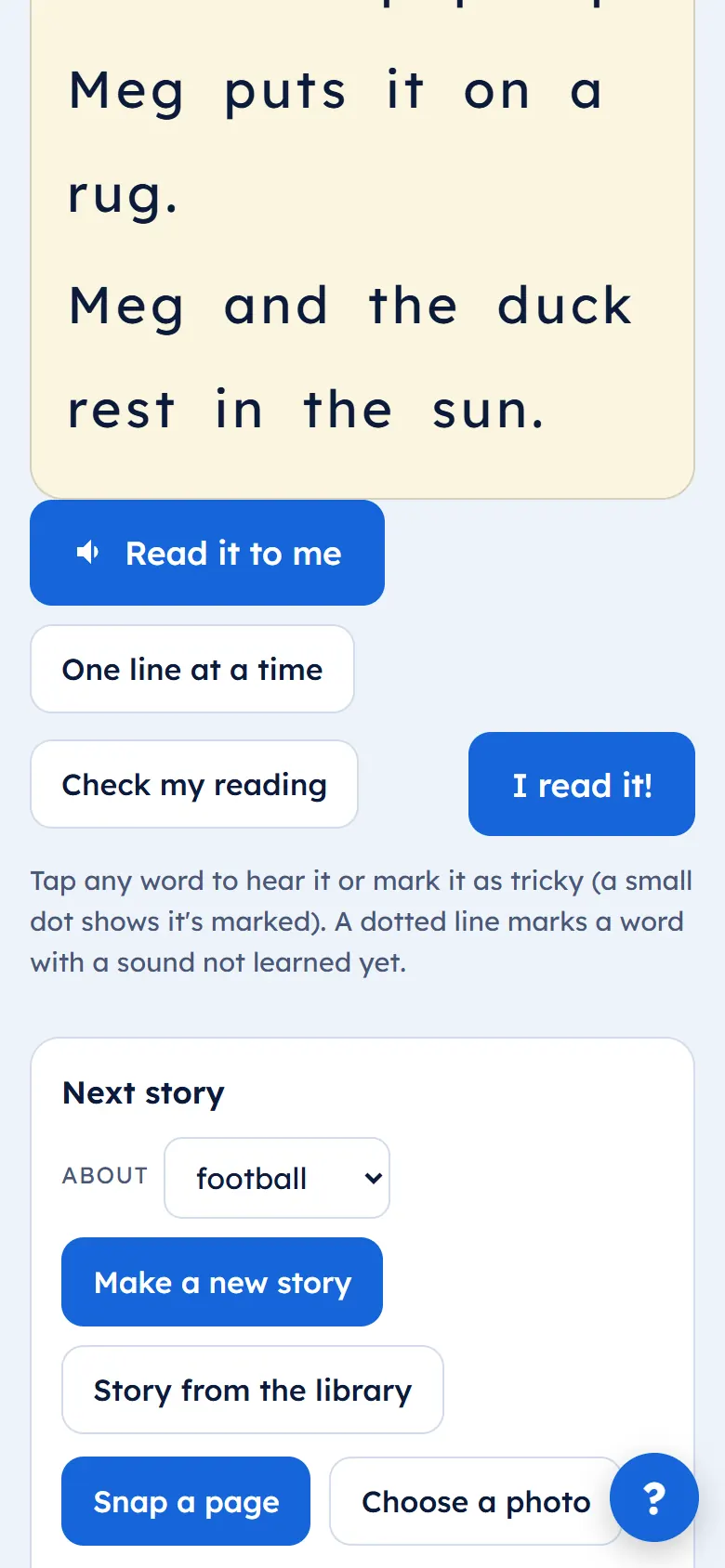
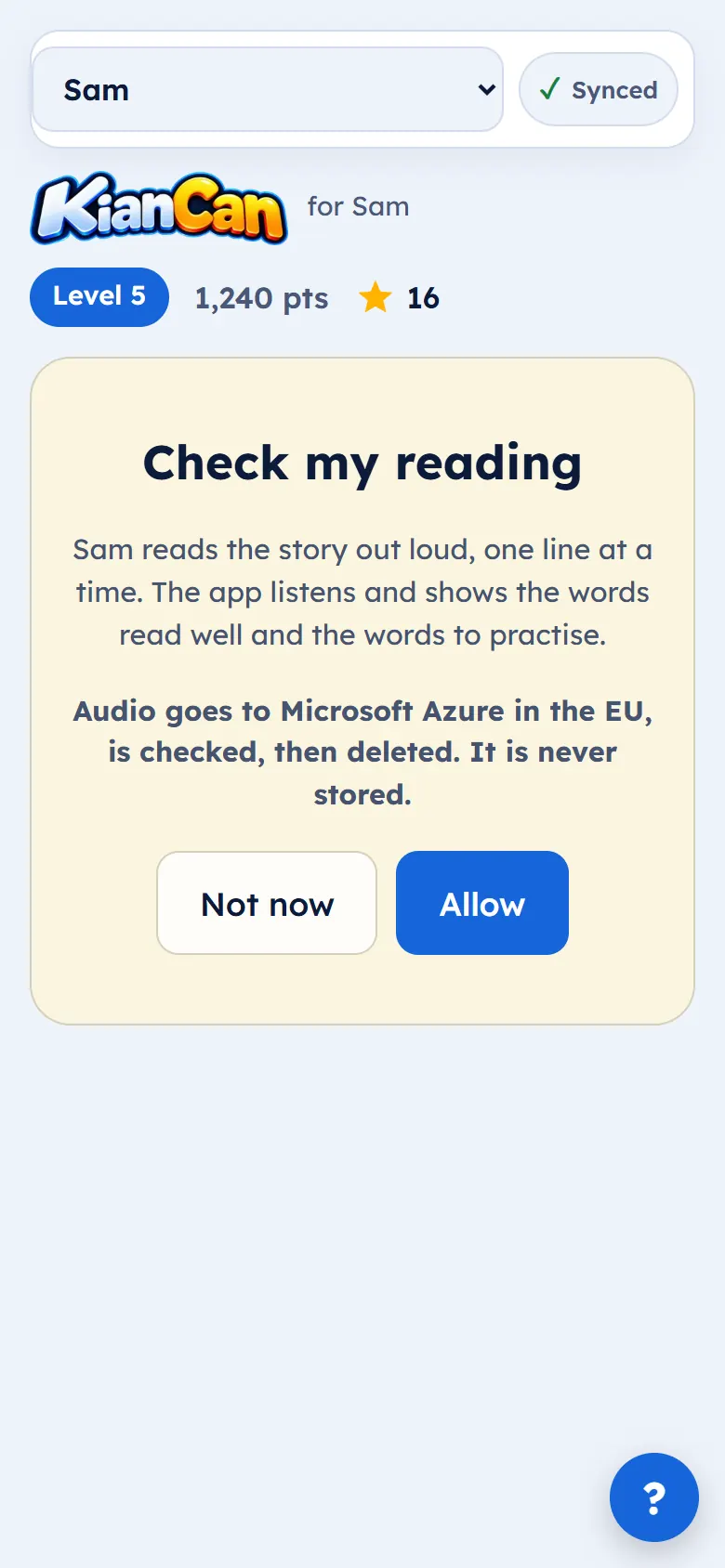
The first time, allow the microphone. Only one line of reading at a time is checked, and the audio is never kept.
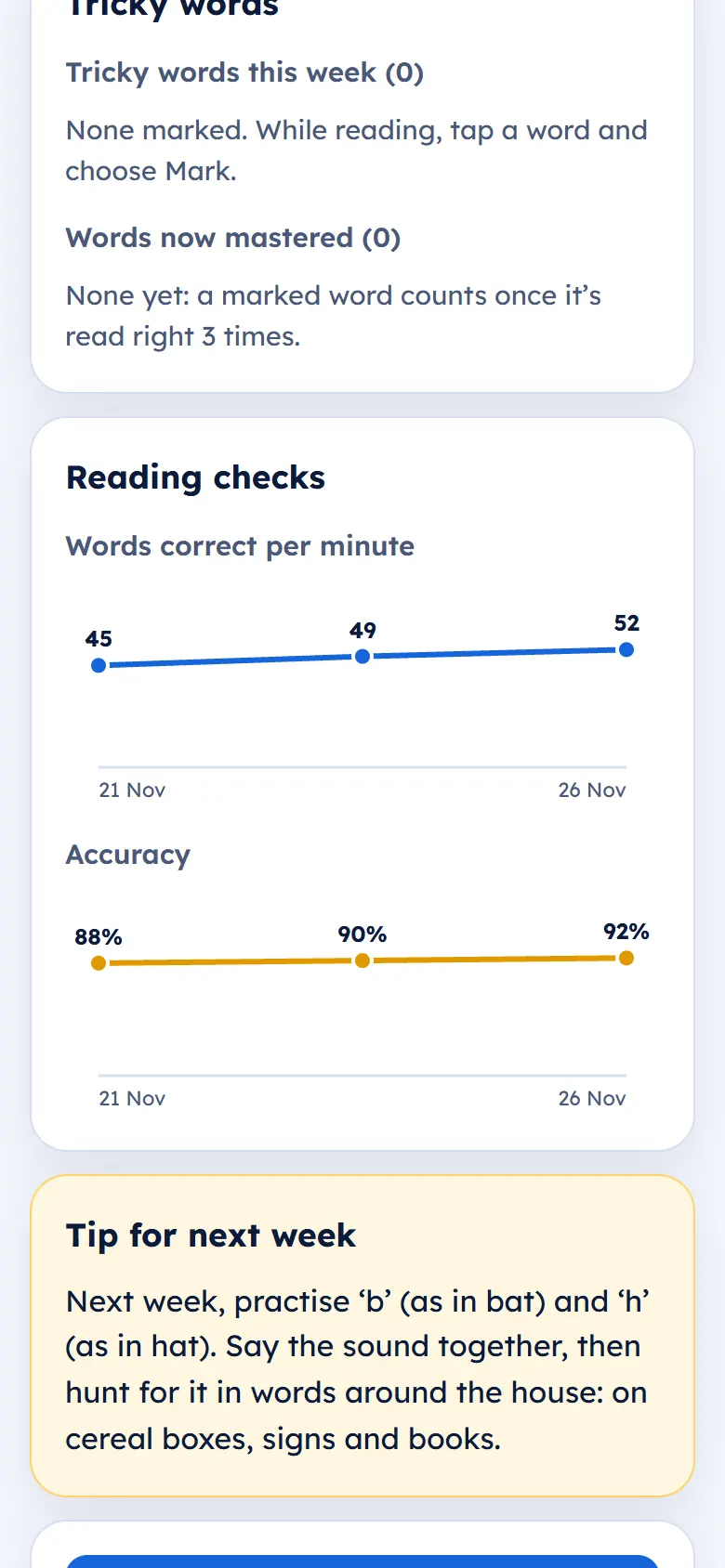
Your child reads each line aloud. You can correct the app if it heard a word wrongly, and the result goes into the progress report.
Still stuck? Email hello@kiancan.com.
All guides · Next: Snap a page